AI meeting transcription in 2026: 7 tools compared for Zoom, Teams & Google Meet
Compare 7 AI meeting transcription tools on what matters for calls (bot vs bot-less capture, platform support, languages, AI summaries, and free-plan limits), plus what changed in 2026 and the recording-consent basics. Checked June 2026.
AI meeting transcription is a crowded category: dozens of tools promise to record your Zoom, Teams, or Google Meet calls, transcribe every word, and generate summaries with action items. The real differences come down to one architectural choice (does a bot join your call, or not), how they handle multilingual teams, how honest their free-plan limits are, and what happens to the transcript afterward.
This guide compares seven meeting transcription tools on those points. To be clear about what it is: a structured comparison of each tool's current capabilities and published pricing (checked June 2026), not a ranked accuracy test, real accuracy depends on your audio, speakers, and language, which we cover honestly below.
Disclosure: Vocova is our product, and it is one of the seven tools compared here. The tools are listed alphabetically, not ranked, and we're specific about where other tools beat Vocova (including that Vocova does no real-time, in-call transcription). Weigh our inclusion of our own product accordingly; the most reliable test is to run one of your own recordings through a tool's free tier.
Quick comparison
Listed alphabetically. Facts checked June 2026 against each vendor's own pricing page; meeting tools change plans often, so confirm before buying. (Real-time = live in-call captions; After call = notes generated post-meeting.)
| Tool | Capture | Platforms | Real-time | Languages | AI summaries (free) | Free plan | Paid from (annual) |
|---|---|---|---|---|---|---|---|
| Fathom | Bot + bot-free (Mac beta) | Zoom, Teams, Meet | After call | 38 | Advanced summaries: first 5 calls/mo | Unlimited recordings & transcription | $16/mo ($20 monthly) |
| Fireflies.ai | Bot ("Fred") | Zoom, Teams, Meet, Webex | Yes | 100+ | Unlimited, gated by 20 AI credits | Unlimited transcription, 400 min storage/team | $10/mo ($18 monthly) |
| Grain | Bot | Zoom, Teams, Meet, Webex | After call | 100+ | Basic AI notes | 20 meetings total, 1 notetaker seat | $15/mo ($19 monthly) |
| Notta | Bot | Zoom, Teams, Meet, Webex | Yes | 58 | Paid plans only | 120 min/mo, 3 min/conversation cap | $8.17/mo ($13.99 monthly) |
| Otter.ai | Bot (OtterPilot) | Zoom, Teams, Meet | Yes | 6 | Summaries + 20 AI chats | 300 min/mo, 30 min/conversation, 3 lifetime imports | $8.33/mo ($16.99 monthly) |
| tl;dv | Bot-free (bot optional) | Zoom, Teams, Meet | After call | 30+ | 10 AI notes/month | Unlimited recordings, 3-month retention | $18/mo |
| Vocova | Bot-less (upload / URL) | Zoom, Teams, Meet + 1,000+ by URL | No | 100+ | Included on Free | 30 min | $7.50/mo |
Bot vs bot-less: the choice that matters most in 2026
Before features and price, decide how you want the meeting captured, because it changes everything downstream.
Bot tools (Otter, Fireflies, Notta, and optionally Fathom/tl;dv) send a participant into your call to record and transcribe in real time. You get live captions, in-meeting action-item capture, and an instant post-call summary, no need to remember to record. The trade-offs: an "X's notetaker has joined the meeting" banner appears, which makes some participants self-conscious or prompts silent opt-outs; the bot usually records one mixed audio stream, which can be harder to separate by speaker than a platform's own multi-track recording; and, increasingly, bots get blocked. After Google Meet tightened its guest-admit flow in early 2026, third-party bots are harder to auto-join, and many enterprise, legal, healthcare, finance, and government tenants disable external apps joining Zoom/Teams by admin policy outright. That pressure is why Fathom and tl;dv now offer bot-free capture at all.
Bot-less / post-meeting tools (Vocova, and the bot-free modes of Fathom and tl;dv) skip the in-call bot. You record through your platform's own tools, then upload the file or paste the recording's URL. The trade-offs are the mirror image of the bot ones: you have to remember to start a native recording (a meeting you forgot to record can't be transcribed afterward), you manage and upload the files yourself, you get no live captions or in-meeting action-item capture, and the transcript only arrives after the call rather than during it. In exchange, you avoid the bot banner and bot-blocking entirely and can transcribe meetings that already happened. If your team already records through Zoom/Teams/Meet's built-in recording, post-meeting transcription is often all you need.
There is no universally "right" answer: pick bot if you want live notes during the call and your org allows bots; pick bot-less if you record natively, meet with bot-averse clients, or work somewhere that blocks external apps.
The 7 meeting transcription tools
Listed alphabetically, not ranked. Match the capture model and limits to how your team actually meets.
Fathom
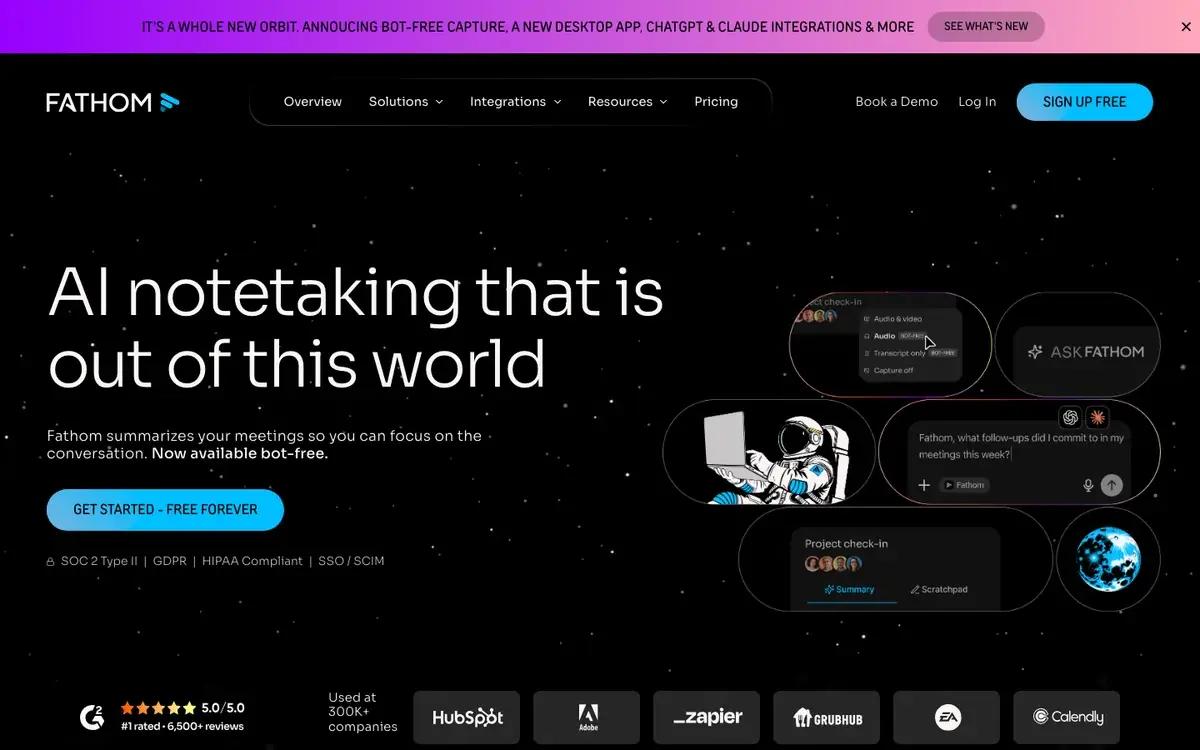
Fathom is a meeting assistant focused on simplicity. It records and transcribes Zoom, Teams, and Meet calls, then generates concise summaries with action items. It now offers a bot-free desktop capture option (Mac, in beta) alongside the traditional bot. The free plan is unusually generous: unlimited recordings and transcriptions with no minute cap.
Platforms & capture: Native bot for Zoom, Teams, Google Meet, plus a bot-free Mac desktop mode (beta); calendar integration; CRM sync (HubSpot, Salesforce) on higher tiers.
Key features: unlimited free recordings; AI summaries with action items (advanced summaries limited to the first 5 calls/month on Free); "Ask Fathom" conversational queries; keyword alerts and custom vocabulary on Team; coaching metrics on Team Pro.
Pricing (checked June 2026): Free, unlimited recordings/transcription, advanced AI summaries on the first 5 calls/month. Premium, $16/month billed annually ($20 monthly), unlimited AI. Team and Team Pro add shared libraries, SSO, CRM sync, and coaching.
Verdict: A strong pick for individuals who want reliable transcripts and summaries without complexity, and the bot-free mode helps if your calls block bots. The main limits are language coverage (38) and that it is built around live calls rather than uploading arbitrary recordings.
Fireflies.ai
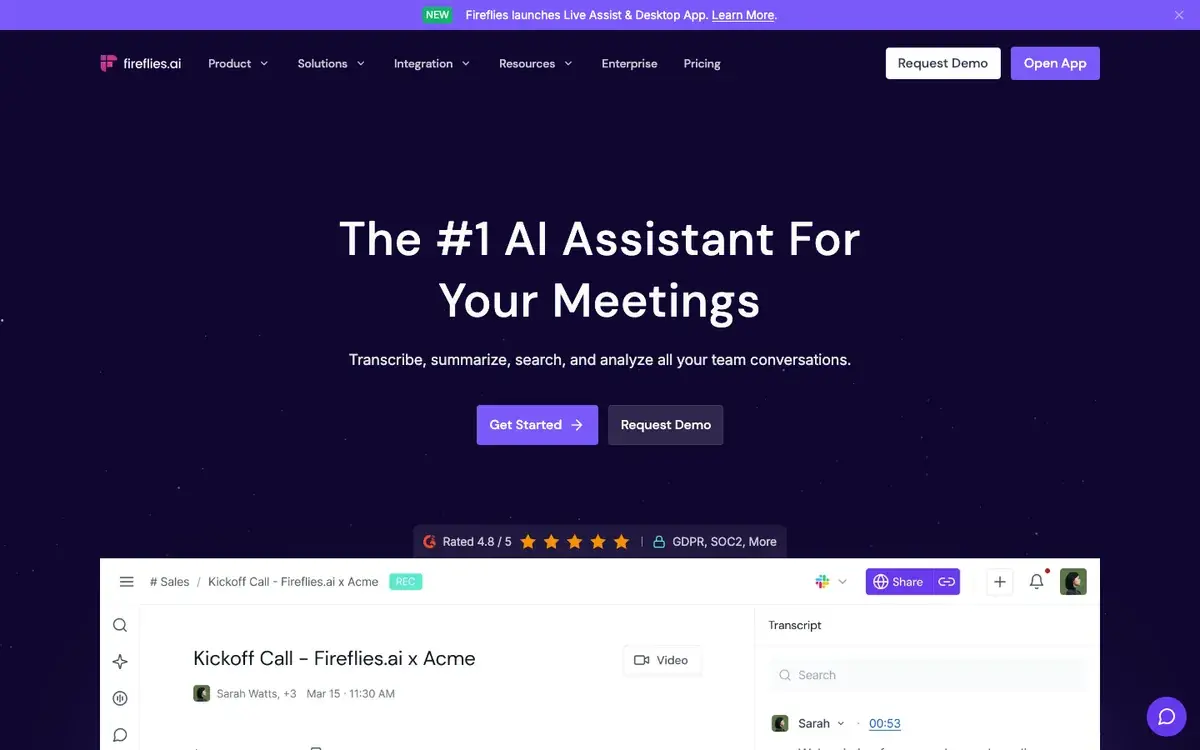
Fireflies.ai is an all-in-one meeting-intelligence platform. Its bot, "Fred," joins your calls to record, transcribe, and summarize, and it supports 100+ languages with deep search and analytics. Smart Search filters transcripts by speaker, topic, sentiment, and keywords; for sales teams, conversation intelligence adds talk-time ratios and engagement metrics.
Platforms & capture: Native bot for Zoom, Teams, Meet, Webex and more; calendar integration; CRM integrations (HubSpot, Salesforce); Zapier, Slack, Notion, Asana.
Key features: real-time transcription with speaker labels; AI summaries with action items; Smart Search; conversation analytics; "AskFred" assistant; video recording on Business and above.
Pricing (checked June 2026): Free, unlimited transcription, unlimited AI summaries gated by 20 AI credits, 400 minutes of storage per team, no video. Pro, $10/month billed annually ($18 monthly), 8,000 minutes storage/seat. Business and Enterprise add video, analytics, API, SSO, and HIPAA.
Verdict: The deepest analytics here, and the free plan's unlimited transcription is appealing, but the 400-minute storage cap means older meetings are eventually deleted, and free AI is limited by credits. Best for sales teams that want conversation intelligence alongside transcription.
Grain
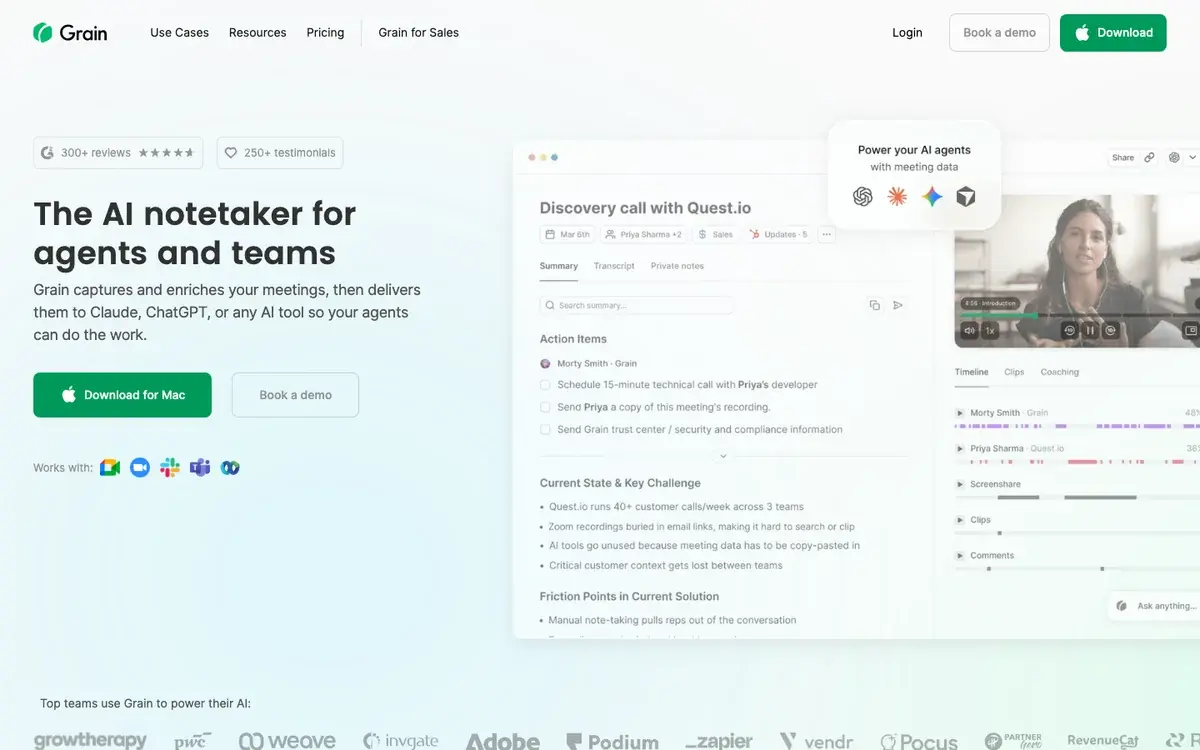
Grain combines meeting transcription with knowledge management. It records and transcribes Zoom, Teams, Meet, and Webex calls, then organizes them into searchable, taggable libraries. Custom AI templates let you extract specific information from each call, which is its standout.
Platforms & capture: Native bot for Zoom, Teams, Meet, Webex; HubSpot/Salesforce; Zapier, Slack, Notion.
Key features: transcription in 100+ languages; custom and prebuilt AI templates for structured notes; Live Notes during calls; searchable, tagged library; custom vocabulary for jargon; clip-and-share highlights.
Pricing (checked June 2026): Free, 20 meetings total, 1 notetaker seat, basic AI notes, unlimited viewer seats. Starter, $15/seat/month billed annually ($19 monthly), unlimited recordings and custom AI. Business and Enterprise add analytics and admin controls.
Verdict: Well-suited to teams that treat meetings as a knowledge base, and custom vocabulary helps in jargon-heavy industries. The recent move to a 20-meeting free cap makes it more of a trial than a durable free tier.
Notta
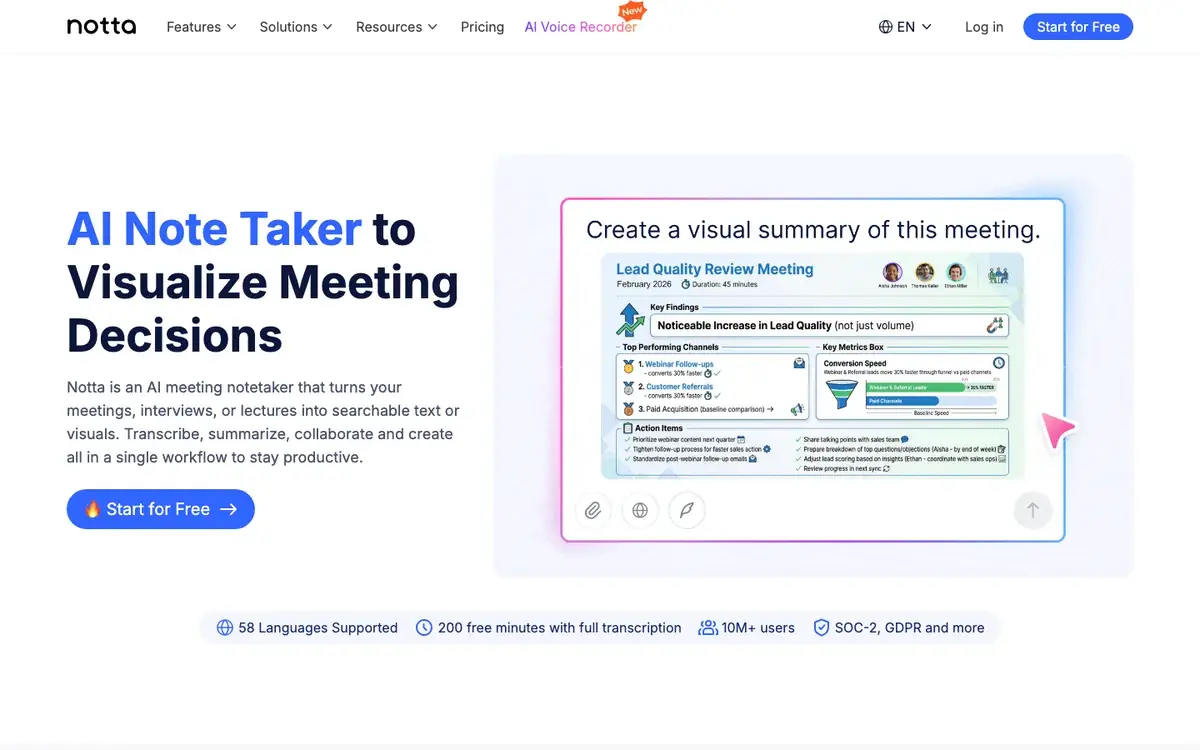
Notta focuses on multilingual meeting transcription and structured notes. It supports 58 languages, joins Zoom, Teams, Meet, and Webex, and generates notes with headers, summaries, and action items. Transcript translation inside the platform is useful for teams that cross language boundaries.
Platforms & capture: Native bot for Zoom, Teams, Meet, Webex; calendar auto-record; Chrome extension; audio/video upload.
Key features: real-time transcription in 58 languages; structured AI notes; transcript translation; speaker identification; screen recording.
Pricing (checked June 2026): Free, 120 minutes/month (the pricing page now lists 120, not 200), with a 3-minute-per-conversation cap and no transcript download. Pro, $8.17/month billed annually ($13.99 monthly), 1,800 min/month, 90-minute cap, export. Business adds longer caps and seats.
Verdict: A capable multilingual option, but the free plan is barely usable for real meetings because of the three-minute conversation cap, and even Pro caps a conversation at 90 minutes. The translation feature is handy if your team works across languages.
Otter.ai
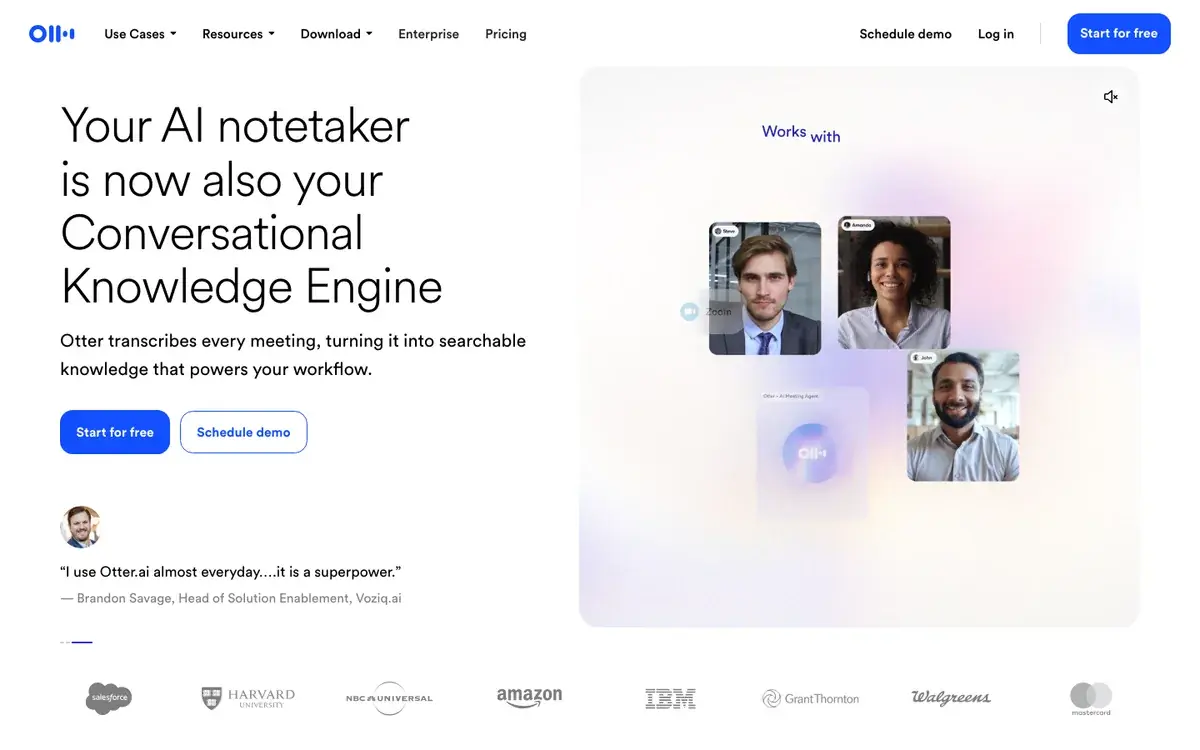
Otter.ai is one of the longest-running AI transcription services and a popular choice for English meetings. Its OtterPilot bot joins Zoom, Teams, and Meet automatically for real-time transcription with speaker identification, live summaries, and action-item capture; after the call you get a searchable transcript and can ask its AI questions about past meetings.
Platforms & capture: Native bot for Zoom, Google Meet, Teams; calendar integration; Slack and Salesforce on higher tiers.
Key features: real-time transcription; OtterPilot live summaries and action items; speaker identification; searchable library; AI chat over past meetings.
Pricing (checked June 2026): Free (Basic), 300 min/month, 30-minute cap per conversation, 3 lifetime file imports, 20 AI chat queries. Pro, $8.33/month billed annually ($16.99 monthly), 1,200 min/month, 90-minute cap. Business and Enterprise add seats and admin controls.
Verdict: A solid, fully-automated assistant if your meetings are mostly in English, but language support is the weak point: Otter currently lists only six languages (English, Spanish, French, German, Japanese, Chinese). The 30-minute free conversation cap and 3 lifetime imports also limit it for longer or uploaded content.
tl;dv
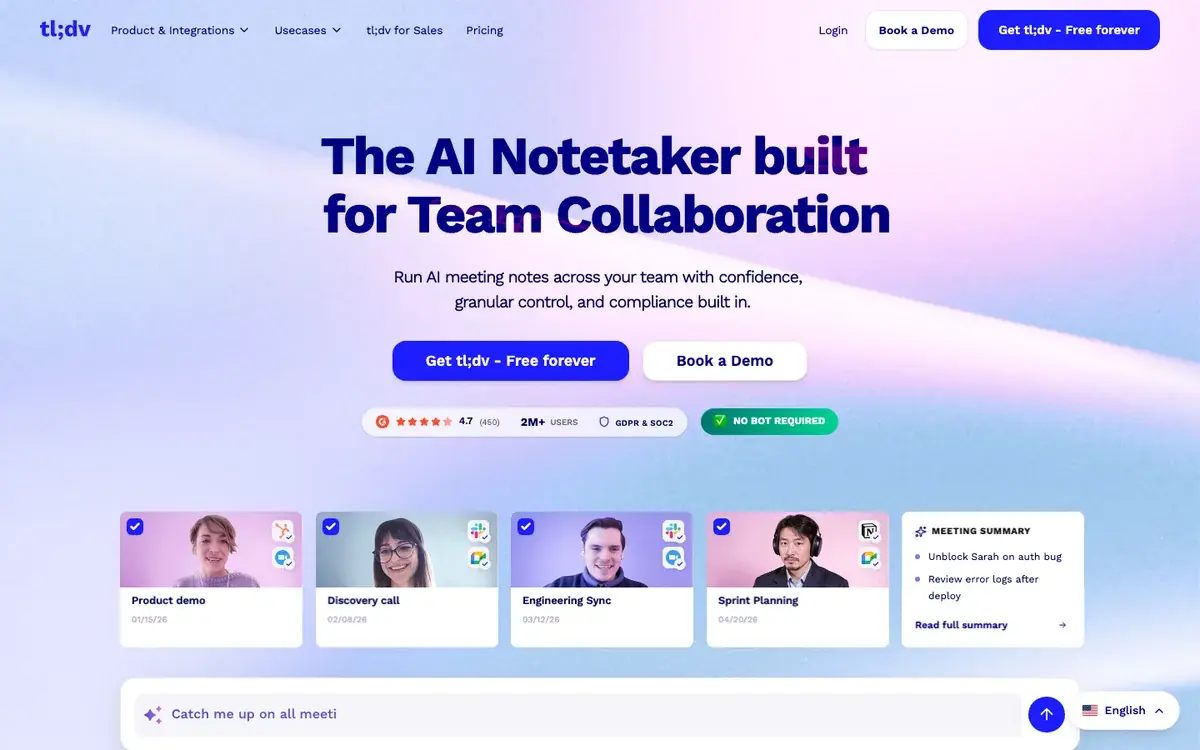
tl;dv started as a meeting recorder and grew into a meeting-intelligence platform built around clipping and sharing key moments. Notably, it now defaults to bot-free capture (a native desktop mode, with the bot optional), partly a response to Google Meet's tighter guest-admit flow. It offers unlimited free recordings on Zoom, Teams, and Meet with AI notes and searchable transcripts.
Platforms & capture: Bot-free desktop capture (bot optional) for Zoom, Teams, Google Meet; calendar sync; Slack, HubSpot, Salesforce, Notion; email summary delivery.
Key features: unlimited free recordings; AI notes with action items; clip and share moments; transcription in 30+ languages; speaker tracking and talk-time analytics; view tracking for shared clips.
Pricing (checked June 2026): Free, unlimited recordings, 30+ language transcription, 10 AI notes/month and 10 "Ask AI" queries/month, 3-month retention. Pro, $18/month billed annually, unlimited AI and integrations. Business adds sales features and CRM sync.
Verdict: The bot-free default is increasingly an advantage as platforms restrict bots, and the clipping feature is genuinely useful for sharing highlights. The free plan's 10 AI notes/month and 3-month retention push regular users to upgrade, and language support (30+) trails the multilingual leaders.
Vocova
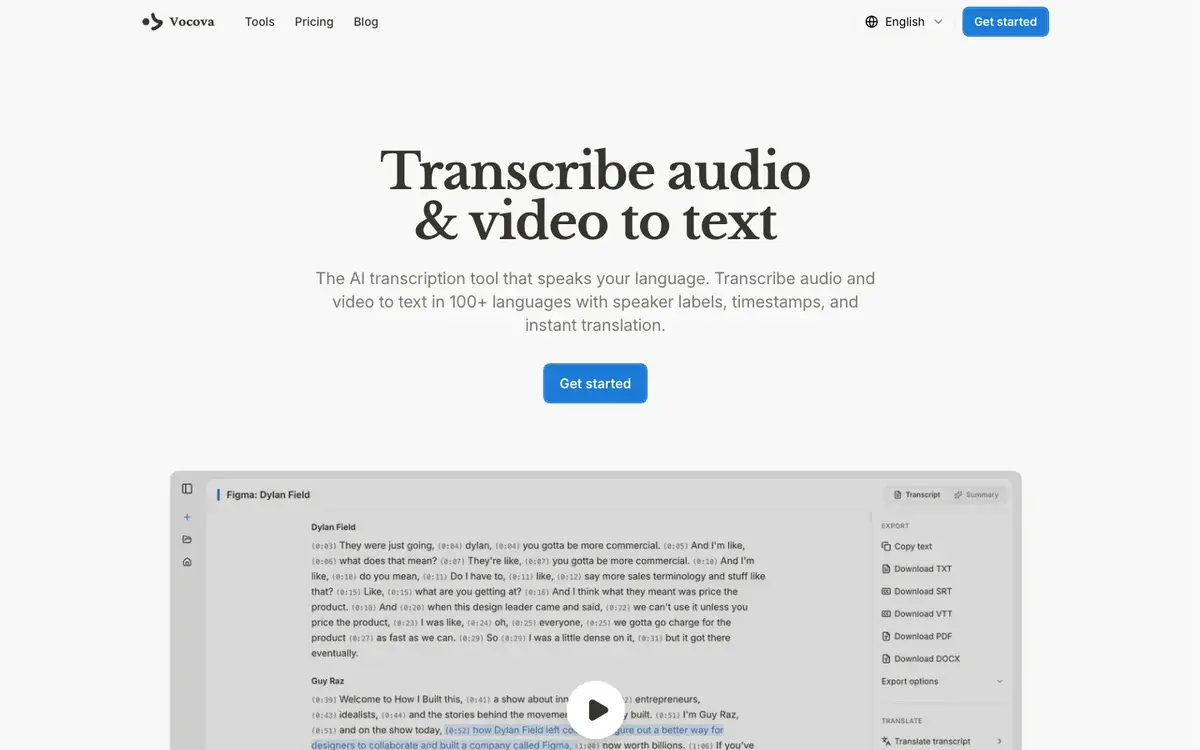
Vocova is our own product, included here for a complete comparison. It takes the bot-less route: rather than joining your call, it transcribes recordings you upload or import by pasting a URL from Zoom, Teams, Google Meet, and 1,000+ other platforms. That suits teams who record through their platform's built-in tools and want high-quality transcription afterward, and who want to avoid an in-call bot. Its strongest meeting feature is language breadth: 100+ languages with auto-detection, which matters when a call switches between languages.
Platforms & capture: bot-less; import recordings from Zoom, Teams, Meet and 1,000+ platforms by URL, or upload files (up to 5 GB on Plus/Pro). No bot joins the call; no real-time captions.
Key features: post-meeting transcription in 100+ languages with auto-detection; AI summaries on Free; speaker labels and timestamps on Plus/Pro; translation to 140+ languages with bilingual export; batch upload.
Pricing (checked June 2026): Free, 30 minutes, summaries, TXT export. Plus, from $7.50/month billed annually, 1,800 min/month, speaker labels, full exports, 5 GB files. Pro, unlimited transcription.
Verdict: A good fit when you transcribe existing recordings across many platforms, or when you want to avoid an in-call bot; on languages it sits with Fireflies and Grain among the 100+ leaders, and it imports recordings by URL rather than joining the call. The clear trade-off: no real-time, in-call transcription, so it does not replace a live meeting bot when you need captions during the call.
How to choose meeting transcription software
Decide bot vs bot-less first
If your organization or your clients restrict bots, common in enterprise, legal, healthcare, finance, and government, a bot-free or bot-less tool (the bot-free modes of Fathom and tl;dv, or Vocova) avoids the problem entirely. If you want live captions and your org allows bots, a bot tool is fine, see the bot-vs-bot-less section above.
Watch the free-plan fine print
Headline free minutes hide per-meeting ceilings that cut off real calls: Otter caps a conversation at 30 minutes, Notta at 3 minutes, and tl;dv limits AI notes to 10/month. Always check per-conversation caps, storage/retention limits (Fireflies' 400-minute storage auto-deletes old meetings), and export restrictions alongside the monthly allowance. For free transcription tools beyond meetings, see our best free transcription tools guide.
Language support matters more than you think
If your team meets across borders, language coverage is a primary criterion. Fireflies, Grain, and Vocova lead at 100+; Notta covers 58; Otter currently lists only six. English-first bots tend to mislabel or drop non-English passages when participants code-switch mid-call. For how speaker separation works (and why it degrades on a single mixed audio stream), see what is speaker diarization.
Know what AI summaries can and can't do
AI summaries reliably capture explicit action items ("John will send the report by Friday") but miss implicit decisions, unstated ownership, and verbal commitments a human note-taker would catch. Treat them as a strong first draft to review, not a complete replacement. For how AI transcription accuracy compares with human transcription, see AI vs human transcription.
Frequently asked questions
Which AI meeting transcription tool is the most accurate?
There is no universal winner; accuracy depends on audio quality, the number of speakers, accents, and language. On clean audio with few speakers, the established tools are all usable; for multilingual meetings, the 100+-language tools (Fireflies, Grain, Vocova) handle code-switching better than English-first tools like Otter. Vendor accuracy figures are marketing claims measured on clean audio, so the reliable test is to run one of your own recordings through two or three free tiers and compare.
Can I transcribe Zoom meetings for free?
Yes. Fathom and tl;dv offer unlimited free Zoom recording and transcription; Otter provides 300 minutes/month. If you use Zoom's built-in cloud recording, you can transcribe the Zoom recording afterward or import it by URL, Vocova's free plan (30 minutes) does this without a bot.
Do meeting transcription bots affect call quality?
A bot adds a participant, which marginally increases bandwidth but rarely affects audio or video on modern connections. The bigger issues are social and policy-based: some participants are uncomfortable when a recording bot joins, and many organizations block external bots by admin policy. Bot-less tools that transcribe from a recording avoid both.
Is it legal to record and transcribe meetings?
Recording-consent law varies by jurisdiction. In the US, federal law and a majority of states follow one-party consent (one participant, which can be you, may record). A minority of states require all-party (often called two-party) consent: commonly counted as roughly a dozen, though the exact list varies by source: California, Connecticut, Delaware, Florida, Illinois, Maryland, Massachusetts, Montana, Nevada, New Hampshire, Oregon, Pennsylvania, and Washington (Washington, D.C. is one-party). Many other countries (and the EU under GDPR) have their own rules. Most tools show a recording notice, but the safe practice is to inform participants and get consent before recording, regardless of the local minimum. This is general information, not legal advice, check the rules for your jurisdiction.
Can I use meeting transcription tools with in-person meetings?
Yes, with limits. Record an in-person meeting with a phone or laptop mic, then upload the file to a tool that accepts uploads (Vocova, Fireflies, Notta). Speaker identification is less accurate than in virtual meetings because the audio comes from one source rather than separate channels; a conference microphone with good pickup helps.
How do AI meeting summaries compare to manual notes?
AI summaries are good at capturing what was said and extracting explicit action items, but inconsistent at identifying what actually mattered, implicit decisions, context, and unstated ownership. Most teams use them as a first draft to review and refine rather than a full replacement for human notes.
Sources and further reading
Free-plan limits and pricing were verified June 2026 against each vendor's own pages:
Related Vocova guides:
