Best free transcription tools in 2026: 7 compared on limits, exports, and languages
Compare 7 free transcription tools on what actually matters: free minutes and per-file caps, what each free tier can export (TXT/SRT/VTT), language coverage, and which work without a signup. Limits checked June 2026.
Free-plan limits below were checked against each provider's own pricing or help page in June 2026, see "Sources and further reading" at the end. AI transcription products change their plans frequently, so confirm the source links before relying on any specific number.
Disclosure: Vocova is our product, and it is one of the seven free tools compared here. The tools are listed alphabetically, not ranked, and we're specific about each one's real free-tier limits, including Vocova's own (30 minutes, 30 MB files, TXT-only export on the free plan). Weigh our inclusion of our own product accordingly; the best test is to run a short clip through a tool's free tier yourself.
The best free transcription tool depends on the job. For a short audio or video file, use a web tool that lets you upload and export text without setup. For online videos, choose a tool that can import a public URL instead of forcing you to download the video first. For subtitles, make sure the free plan can produce SRT or VTT. For multilingual work, check both transcription languages and translation export, because many "free" tools handle only a few languages or block export behind a paid plan.
Here is the practical short list, by job:
- A quick transcript with no signup: Riverside's free transcriber (TXT or SRT, no account).
- Short meetings and live notes: Otter.ai Basic, within its 300-minute monthly and 30-minute-per-file caps.
- Full local control / privacy: OpenAI Whisper, if you are comfortable with a command-line workflow.
- An online video by URL (YouTube, Bilibili, SoundCloud): among these free tiers, Vocova is the one that accepts a pasted link instead of making you download then re-upload.
- Pixel phone voice notes: Google Recorder, on-device and offline.
Quick comparison
Listed alphabetically. Free-tier facts checked June 2026; confirm on each vendor's page before relying on a number.
| Tool | Best free use | Free limits to check | Languages (free) | URL import | Free export | Paid upgrade pressure |
|---|---|---|---|---|---|---|
| Google Recorder | On-device phone/Chromebook recording | Pixel 3+ / ChromeOS only; unlimited on-device, offline | Depends on device and region | No | Text + audio (.m4a) | Tied to the device ecosystem, not a transcription subscription |
| Happy Scribe | Free meeting recorder + trying the pro editor | Ongoing free: unlimited recordings up to 45 min each, AI notetaker, 3 AI files/mo; plus a one-time 10-min AI transcription trial | 60+ AI languages (translation 80+) | Yes (links + Zoom/Meet/Teams/Drive) | DOCX, TXT, SRT, watermarked MP4 | Ongoing AI transcription, subtitling, translation, and human services |
| Notta | Testing meeting transcription | 120 min/month, 3 min per conversation, 50 uploads/month | Multilingual meeting support | Some integrations and upload flows | TXT (limited) | Export, translation, longer recordings, and larger quotas |
| OpenAI Whisper | Local transcription with full control | No service limit, but you provide the hardware and setup | ~99 languages, strongest on well-resourced | No | TXT, SRT, VTT, TSV, JSON (local CLI) | None, unless you use a hosted wrapper |
| Otter.ai | Short English-first meetings and live notes | 300 min/month, 30 min per conversation, 3 lifetime file imports | 6 on Basic (EN, ES, FR, DE, JA, ZH) | No | MP3, TXT | Longer files, more imports, team features, export workflows |
| Riverside | Fast upload-to-transcript, no signup | Free transcriber advertised as unlimited; upload only | 100+ | No general URL import | TXT, SRT | Recording, editing, team, and studio workflows |
| Vocova | Audio/video files + online-video URL import | 30 minutes, 3 stored transcriptions, 30 MB files | 100+ with auto-detection | Yes (YouTube, Bilibili, SoundCloud, drives) | TXT | SRT/VTT/PDF/DOCX/CSV, speaker labels, translation, larger files, batch |
The 7 free transcription tools
Listed alphabetically, not ranked. Match the limits to your job using the table above.
Google Recorder
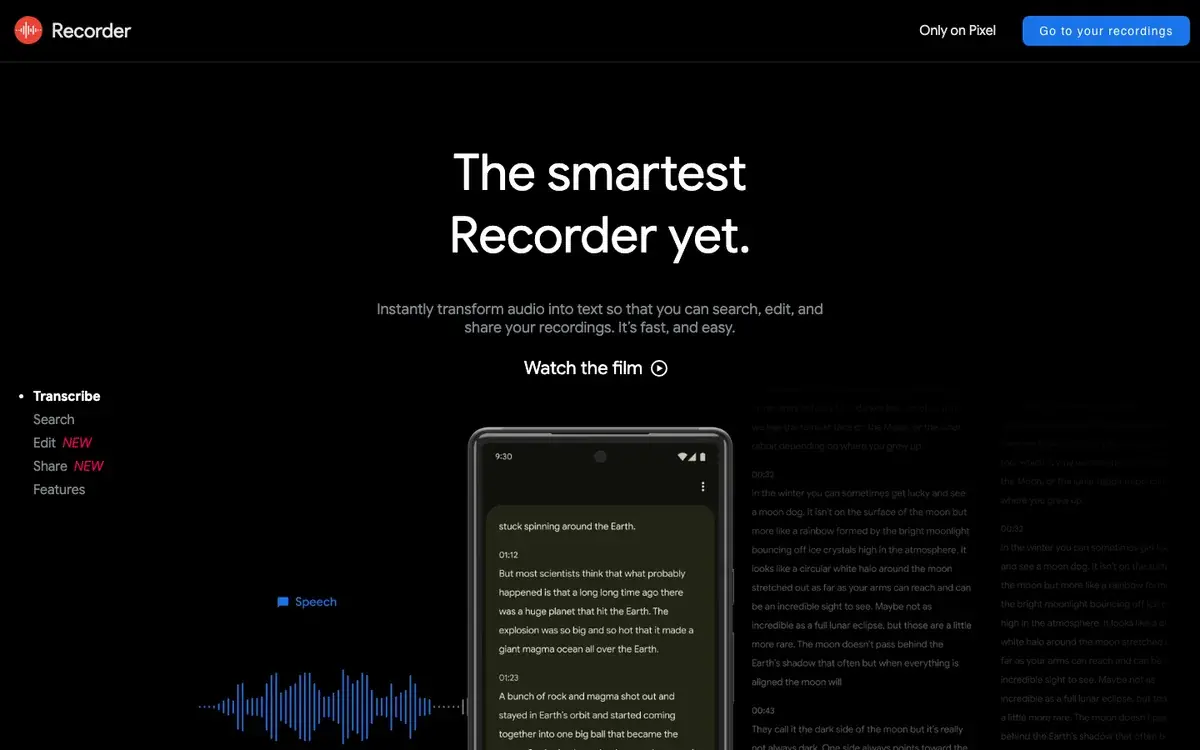
Google Recorder is excellent when your workflow starts on a Pixel phone or a Chromebook. It records and transcribes on the device, offline, with no minutes cap and no subscription, lets you search recordings, and generates on-device summaries.
Best for: quick phone recordings on Pixel devices.
Free plan details:
- Free and unlimited on supported Pixel phones (Pixel 3 and newer) and ChromeOS
- On-device, offline recording and transcription with real-time speaker detection
- Searchable recordings; export text and audio (.m4a), share to Google Docs/Drive
- Language support depends on device and region
Limitations: It is not a general web transcription tool. You cannot paste a Bilibili, YouTube, SoundCloud, or Drive URL into it, and it is not a replacement for a transcript editor with subtitle export, translation, or batch processing.
Happy Scribe
Happy Scribe is a polished transcription and subtitle editor with AI, translation, and human-made services. Its free offering has two parts: an ongoing free meeting-recorder tier (unlimited recordings up to 45 minutes each, an AI notetaker with summaries, automatic speaker detection, and a few AI analyses per month), plus a one-time 10-minute trial of AI transcription, subtitling, and translation to test output quality.
Best for: free meeting notes, or trying a professional transcript/subtitle editor before paying.
Free plan details:
- Ongoing free meeting recorder: unlimited recordings up to 45 minutes each, AI notetaker, speaker detection, ~3 AI files/month
- One-time 10-minute AI transcription/subtitling/translation trial
- 60+ AI transcription languages (translation into 80+)
- Free export of DOCX, TXT, SRT, and watermarked MP4
Limitations: The recurring free tier is built around its own meeting recorder; sustained AI transcription of your own uploaded files beyond the 10-minute trial moves you into a paid plan.
Notta
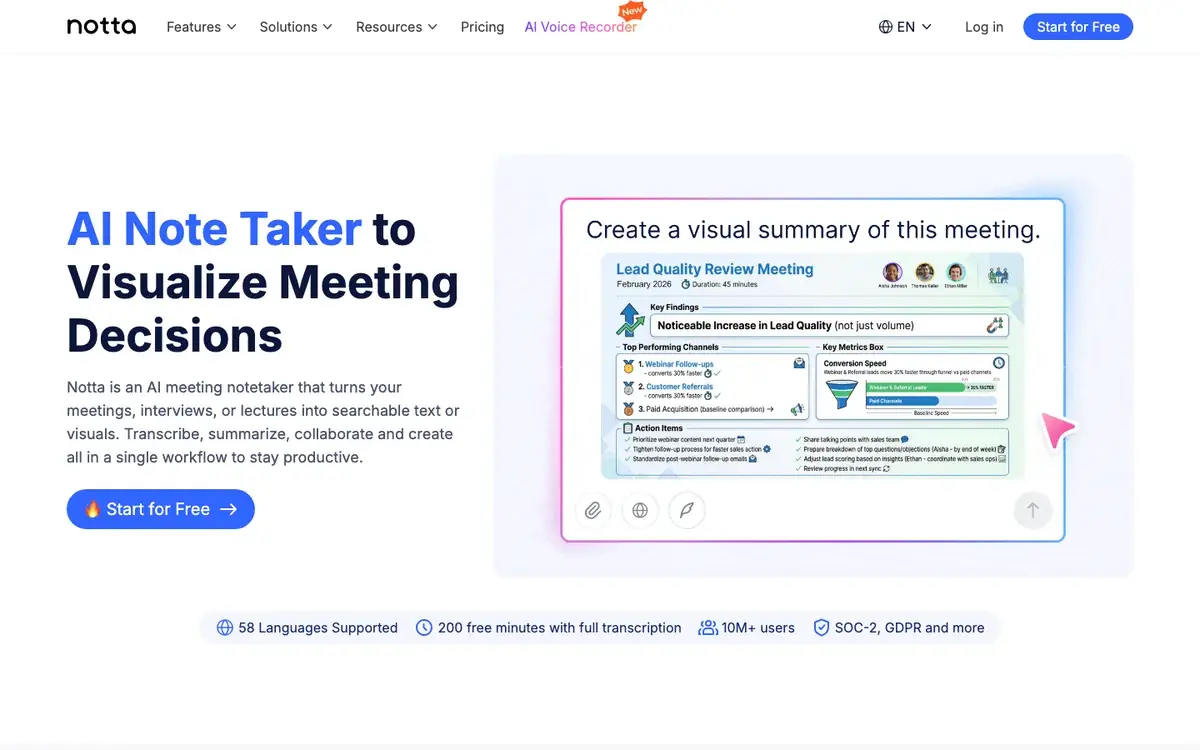
Notta is a meeting-oriented transcription tool. Its free plan is useful for testing the interface, but the practical limits are tight: 120 transcription minutes per month, up to 3 minutes per conversation, and 50 file uploads per month. That makes it better for evaluation than for real long-form work. For a deeper look at meeting-specific tools, see our best AI meeting transcription guide.
Best for: testing a meeting transcription interface before upgrading.
Free plan details:
- 120 transcription minutes per month
- Up to 3 minutes per conversation
- 50 file uploads per month
- Meeting integrations and speaker identification
Limitations: A three-minute conversation cap is too short for most interviews, classes, podcasts, or customer calls. Export and translation belong to paid workflows, so the free plan is a sampler rather than a durable free transcription setup.
OpenAI Whisper
Whisper is the best free transcription option for technical users who want control over the whole pipeline. It is open source, runs locally, and produces text and subtitle outputs through command-line tooling. You can transcribe private files without uploading them to a third-party web app, which is valuable for sensitive recordings.
Best for: developers, researchers, and users comfortable with local setup.
Free plan details:
- Open-source model and code; no service-side limit
- Local processing on your own hardware (no account)
- Multilingual speech recognition (~99 languages) plus translation-to-English
- Outputs TXT, SRT, VTT, TSV, and JSON via the local CLI
Limitations: Whisper is not a polished product by itself. You install dependencies, manage model sizes, handle long files, and build your own editing/export workflow, and it does not provide speaker labels by default. For non-technical users, a hosted transcription product is usually faster.
Otter.ai
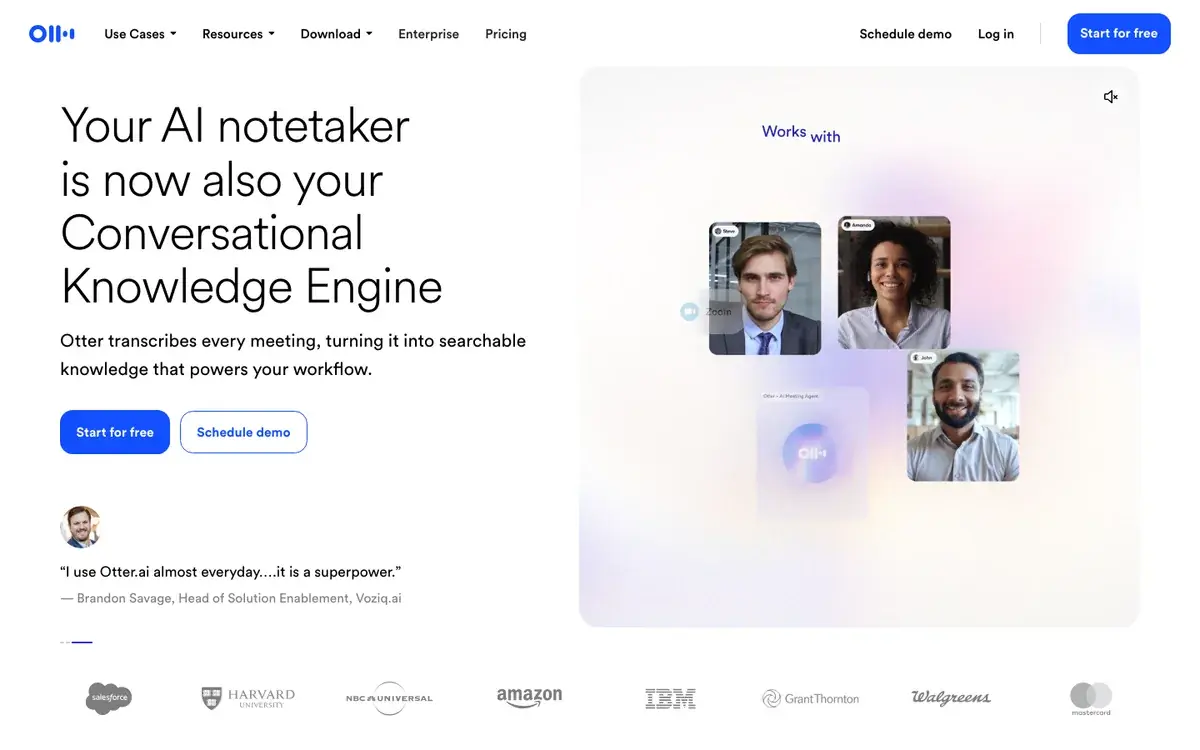
Otter.ai is a strong free choice for short meetings, especially if you want live notes and a familiar meeting-assistant workflow. Its Basic free plan allows 300 transcription minutes per month, but each transcription is capped at 30 minutes, and file imports are limited to three per account for the lifetime of the account.
Best for: short meetings and live note-taking.
Free plan details:
- 300 transcription minutes per month
- 30-minute limit per conversation
- 3 lifetime audio/video file imports
- 6 transcription languages on Basic (English, Spanish, French, German, Japanese, Chinese)
- Free export limited to MP3 and TXT
Limitations: The lifetime file-import cap is the key catch. If your real use case is transcribing uploaded recordings, online videos, podcast files, or long interviews, the free plan can be exhausted quickly. Otter is strongest as a meeting assistant, not a general media transcription tool.
Riverside
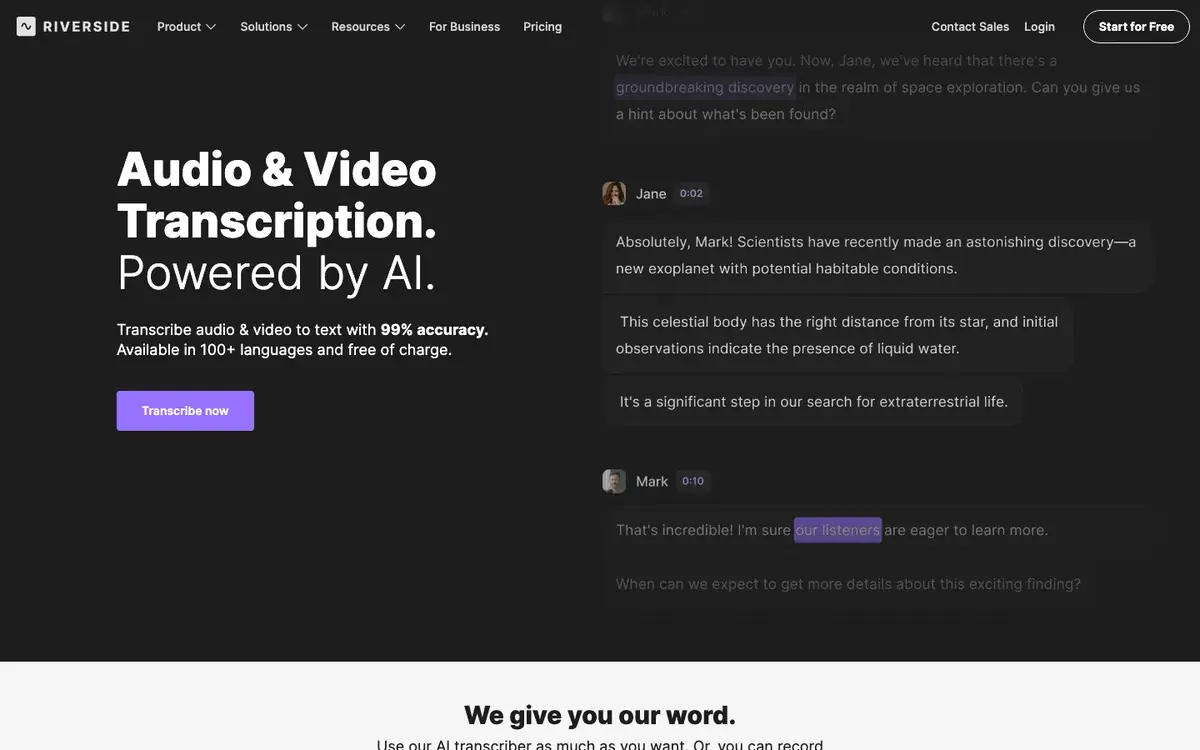
Riverside is primarily a recording and editing platform, but its free AI transcriber is useful when you need a quick transcript from a supported upload. Riverside advertises the free transcriber as unlimited, requiring no signup, supporting 100+ languages, and able to download TXT or SRT files. That makes it a strong choice for creators who want a quick transcript or subtitle file without building a full workflow.
Best for: quick TXT or SRT output from a supported audio/video upload, with no account.
Free plan details:
- Free AI transcriber advertised as unlimited, no signup required
- 100+ languages
- TXT and SRT downloads
- Good fit for podcast, interview, webinar, and video content
Limitations: Riverside is upload-only, so it is not the choice when your starting point is a public platform URL you do not want to download first. Its broader recording and editing platform has its own plan structure, so evaluate it as both a transcriber and a studio product.
Vocova
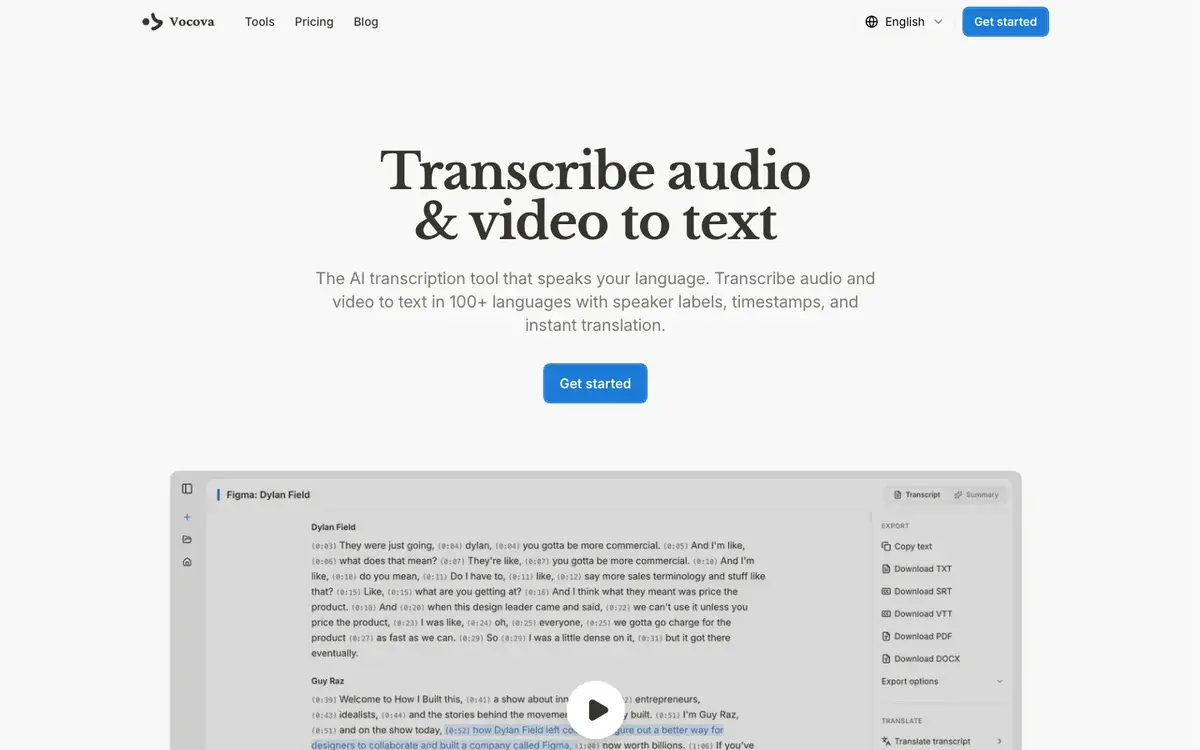
Vocova is our own product, included here for a complete comparison. It is the option in this list whose free tier accepts a public URL, which matters because many real tasks start from a link: a YouTube interview, a Bilibili lecture, a SoundCloud episode, a Dailymotion video, or a Google Drive recording. It handles audio files, video files, and those URLs, and supports 100+ transcription languages with automatic detection.
The free plan gives you 30 minutes to test the workflow with your own material, including timestamps, summaries, transcript editing, and TXT export, enough to evaluate accuracy and language detection before you pay.
Best for: short audio/video transcription, multilingual testing, and online-video URL import.
Free plan details:
- 30 transcription minutes to get started
- Up to 3 stored transcriptions
- Files up to 30 MB (about 30+ minutes of typical compressed audio; for long video the practical cap is file size, not length)
- 100+ transcription languages with automatic detection
- TXT export; upload a file or paste a public URL
Where Plus / Pro matters: the most common reason free users hit a paywall is file size, not minutes, a one-hour interview, a podcast episode, or a long lecture almost always exceeds 30 MB. Plus is $15/month or $90/year ($7.50/month on annual billing) and unlocks 1,800 transcription minutes per month, files up to 5 GB, all export formats (TXT, PDF, DOCX, SRT, VTT, CSV), speaker identification, translation into 140+ languages, bilingual output, and batch upload of up to 20 files. Pro is $39/month or $228/year and adds unlimited transcription.
Start with audio to text for files, video to text for video, or transcribe online media by link if your source is already online.
Best free tool by use case
| Use case | Best starting point | Why |
|---|---|---|
| Short audio file to text | Riverside (no signup), Vocova, or Whisper (local) | Riverside needs no account; Vocova adds 100+ languages and URL import; Whisper runs offline |
| Short video file to text | Vocova video to text or Riverside | Both take video uploads with free TXT/SRT export |
| Online video by URL | Vocova link import | Among these free tiers, the one that accepts a pasted public URL |
| Bilibili transcript | Transcribe Bilibili | Dedicated Bilibili URL flow |
| SoundCloud transcript | Transcribe SoundCloud | Designed for public SoundCloud links |
| Subtitle file from a transcript | SRT generator or VTT generator | Produces subtitle formats for video platforms and editors |
| Short meetings / live notes | Otter.ai or Happy Scribe free tier | Built for live meeting capture within their free caps |
| Local/offline technical workflow | OpenAI Whisper | No hosted service required; runs on your machine |
| Pixel phone voice notes | Google Recorder | Fastest path when the recording starts on a Pixel |
How to choose without wasting time
Use this decision rule:
- If your source is already online, avoid upload-only tools. Choose a workflow that accepts a pasted public URL.
- If you need subtitles, check SRT/VTT export before you start. Many tools show captions but block subtitle export on the free plan.
- If you need translation, check whether translation is included or paywalled. Transcription and translation are often priced separately.
- If the file is longer than 30 minutes, read the actual limits. Free plans often look generous until you hit a per-file duration, file-import, or export cap.
- If privacy is the top concern and you are technical, use a local model. Whisper is the most flexible free option if you can run it yourself.
Why free transcription plans feel confusing
"Free transcription" can mean several different things:
- A real free tier with ongoing usage.
- A one-time trial.
- Unlimited transcription but no useful export.
- Many minutes but short per-file caps.
- Live meeting transcription only, not uploaded files.
- Upload only, no URL import.
- Transcript viewing included, but SRT/VTT/PDF/DOCX export paywalled.
That is why the table above separates minutes, file limits, URL import, language support, and export. The most important question is not "is it free?" It is "can I finish my actual job on the free plan?"
Frequently asked questions
What is the best free transcription tool in 2026?
It depends on the job. For online videos, a URL-import tool like Vocova avoids downloading and re-uploading; for a quick transcript with no account, Riverside's free transcriber is strong; for local control, Whisper is best if you can handle the setup; for short meetings, Otter.ai or Happy Scribe's free meeting tier fit within their caps. Match the free-tier limits in the table to what you actually need to produce.
What is the best free tool for video to text?
Use a tool that supports both video upload and online video import. If the video is already on YouTube, Bilibili, SoundCloud, Dailymotion, or a cloud drive, a URL-import workflow is faster than downloading the video and uploading it again. Start with video to text for local files or transcribe Bilibili, transcribe SoundCloud, and transcribe Dailymotion for public platform links.
Can I transcribe in languages other than English for free?
Yes, but free-tier language coverage varies widely. Vocova supports 100+ languages with automatic detection on its free plan, and Riverside advertises 100+ for its free transcriber. Whisper supports ~99 languages if you run it yourself. Meeting tools are narrower, Otter's Basic plan currently covers six languages. Accuracy also varies by language, so test your actual language and accent; see transcription accuracy by language for the WER tier breakdown and how to transcribe audio in multiple languages for the workflow.
Can free transcription tools create subtitles?
Some can, on the free plan. Riverside offers TXT and SRT downloads from its free transcriber, Happy Scribe's free tier exports SRT, and Whisper can create SRT/VTT through local tooling. Vocova includes TXT export on Free, while SRT and VTT export are on Plus / Pro. If subtitles are the goal, check SRT/VTT export before spending time editing a transcript, and see the best AI subtitle generators comparison for subtitle-specific tools.
What is the best free transcription tool for Bilibili?
Use Transcribe Bilibili. Many generic transcription tools are built around file upload or YouTube-style workflows and do not handle Bilibili links cleanly, they choke on BV... IDs, b23.tv short links, or m.bilibili mobile URLs. A Bilibili-specific flow is better when you want a transcript, subtitles, or an English translation from a public Bilibili video. For the full step-by-step (including UP主 names, fandom terms, and Mandarin-English code-switching), see how to transcribe Bilibili videos.
Are free transcription tools accurate enough for professional work?
They can be accurate enough for drafts, notes, content repurposing, and searchable archives. For publication, legal, medical, academic, or client-facing work, expect to review the transcript. Accuracy depends more on audio quality, speaker overlap, accents, and language than on whether the plan is free, see AI vs human transcription for where review is essential.
Do free transcription tools keep my audio?
Policies vary. Cloud tools process files on their servers and have their own retention policies. Local tools like Whisper can run entirely on your machine. If privacy is critical, read each provider's data policy and use local processing for sensitive files.
Sources and further reading
External (free-plan limits, verified June 2026 against each vendor's own page):
- Riverside AI transcription
- Otter.ai pricing (Basic free plan)
- Notta pricing
- Google Recorder and Pixel transcription help
- Happy Scribe plans and pricing
- OpenAI Whisper
Related Vocova guides:
