Best AI subtitle generators in 2026: 6 tools compared on formats, languages, and pricing
Compare 6 AI subtitle generators on what actually matters for subtitles (SRT/VTT export, reading-speed and line-length limits, language coverage, translation, and pricing), plus when free auto-captions are enough. Pricing checked June 2026.
Adding subtitles to your videos is one of the highest-leverage things you can do for reach. Subtitled videos hold attention longer on every platform, they are required for accessibility compliance in many regions, and they open your content to viewers who speak other languages. The slow part has always been making the subtitles. AI subtitle generators transcribe your audio, break it into timed cues, and export standard files like SRT and VTT in minutes.
But "generates subtitles" hides a lot of variation. A tool can produce accurate text and still produce bad subtitles, lines too long to read, cues that flash by too fast, or a format your platform rejects. This guide compares six AI subtitle generators on the criteria that actually decide subtitle quality.
To be upfront about what this is: a structured comparison of each tool's current capabilities and published pricing, not a single ranked accuracy test. Real-world accuracy depends heavily on your audio and language, we cover that honestly near the end, with the one test that actually predicts your results.
Disclosure: Vocova is our product, and it is one of the six tools compared here. The tools are listed alphabetically, not ranked; we've kept the criteria buyer-focused and are specific below about where other tools beat Vocova, but weigh our inclusion of our own product accordingly. The free-tier clip test described in the accuracy section is the most reliable way to judge for yourself.
How this was compiled: capability and pricing facts were checked against each vendor's own pages in June 2026 (VEED's current tiers could not be independently confirmed, check veed.io). This is a capability-and-pricing comparison, not a head-to-head accuracy benchmark.
What actually makes a subtitle "good" (and what the standards say)
Most subtitle roundups compare language counts and price. Those matter, but the thing that separates a usable subtitle file from a frustrating one is whether it respects the readability limits professional captioners follow. Those limits come from broadcaster and platform style guides, not from the file formats. WebVTT and the EBU-TT spec define how a subtitle file is written, not how readable it is, so the numbers below come from the BBC Subtitle Guidelines and the Netflix Timed Text Style Guide.
The limits worth knowing:
- Reading speed. Netflix caps adult subtitles at 20 characters per second (17 cps for children's content); the BBC targets 160-180 words per minute, roughly 15 cps: slower and more conservative. Most non-English languages are stricter still. If a generator drops a long sentence onto a one-second cue, it has broken this rule no matter how accurate the words are.
- Line length. 42 characters per line is the Netflix maximum for English and Latin-script languages; the BBC caps broadcast lines at 37. Past that, lines wrap badly or get clipped on mobile.
- Two lines per cue, maximum. Netflix, the BBC, and the US DCMP captioning guidelines all cap a subtitle at two lines (the BBC allows a third only for vertical 9:16 video). A good generator splits a long sentence across multiple cues instead of stacking three lines.
- On-screen duration. Netflix uses a minimum of about 0.83 seconds and a maximum of 7 seconds per cue; DCMP caps at 6. Cues shorter than the minimum flash; longer ones linger after the speaker has moved on.
- Line breaks at sense boundaries. Lines should break at clause or punctuation boundaries, never between an article and its noun or a preposition and its phrase.
You don't have to memorize these. The practical takeaway for choosing a tool: the best subtitle generators segment to a sane reading speed automatically and let you edit timing and line breaks when they don't. Tools that only spit out an undifferentiated transcript leave that work to you.
For the formats themselves, what SRT, VTT, ASS and the rest are, and which to use where, see the subtitle file formats guide and the SRT vs VTT comparison. This guide focuses on the tools.
Do you even need a paid tool?
Before comparing paid options, be honest about whether you need one. If you publish single-language videos to a single platform, the free auto-caption features built into YouTube Studio, CapCut, and Instagram are genuinely good enough, they generate and attach captions without another subscription. A dedicated AI subtitle generator earns its price when you need one or more of these: translation into other languages, reliable accuracy on accented or technical audio, a specific export format, batch processing across many files, or a real editor to fix timing and terminology fast. If none of those apply to you, start free and come back when they do.
The 6 AI subtitle generators
The six tools are listed alphabetically, not ranked. Use the comparison table and the use-case guidance below to find the fit for your work.
Descript
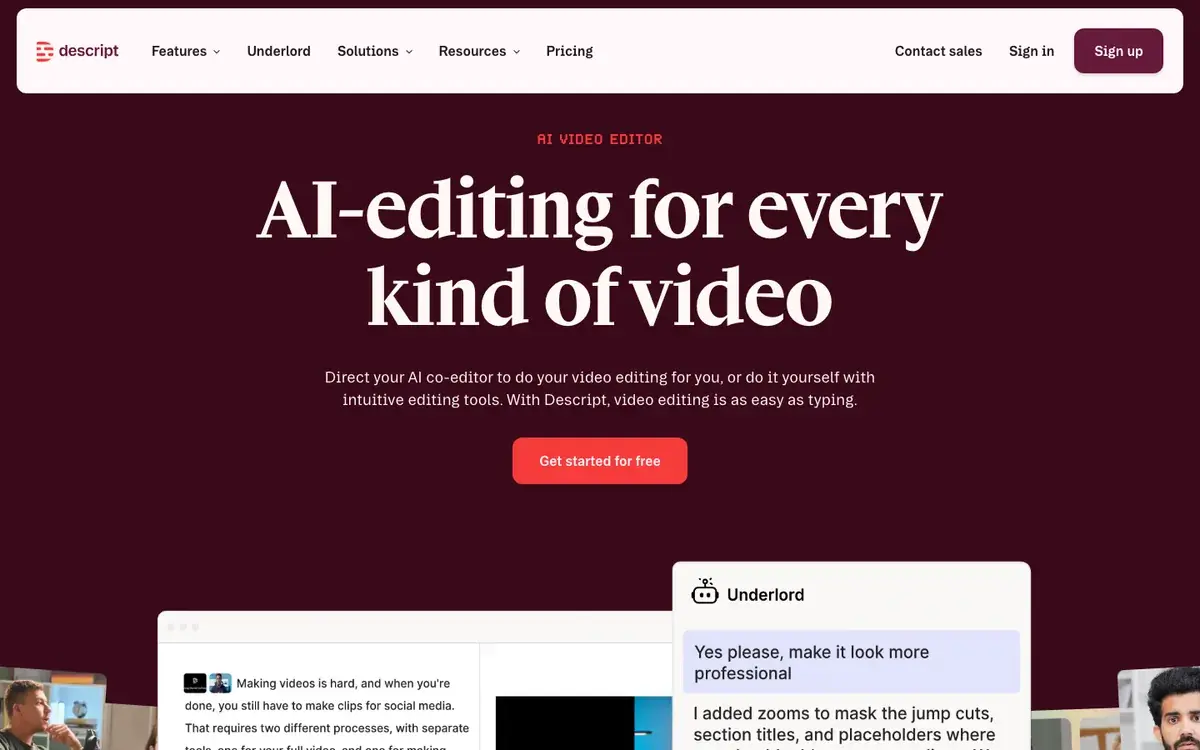
Descript is primarily a video and podcast editing suite, but its transcription engine doubles as a subtitle generator. Import a video and you can export the transcript as SRT or VTT, or burn captions in. The standout is text-based editing: you fix subtitle wording by editing the transcript like a document, which is faster than nudging timecodes. Language coverage is narrower (about two dozen) and translation is not built in, so multilingual subtitles mean duplicating and manually editing.
Key subtitle features:
- Transcription with SRT/VTT export or hardcoded captions
- Text-based editing, correct subtitles by editing text
- Speaker detection and AI filler-word removal
- Full video/podcast editing suite included
Pricing: Hobbyist $16/month, Creator $24/month, Business $50/month (billed annually); subtitle minutes draw from shared media-hour allowances.
Best for: People who already edit in Descript and want subtitle export as a byproduct of that workflow.
Happy Scribe
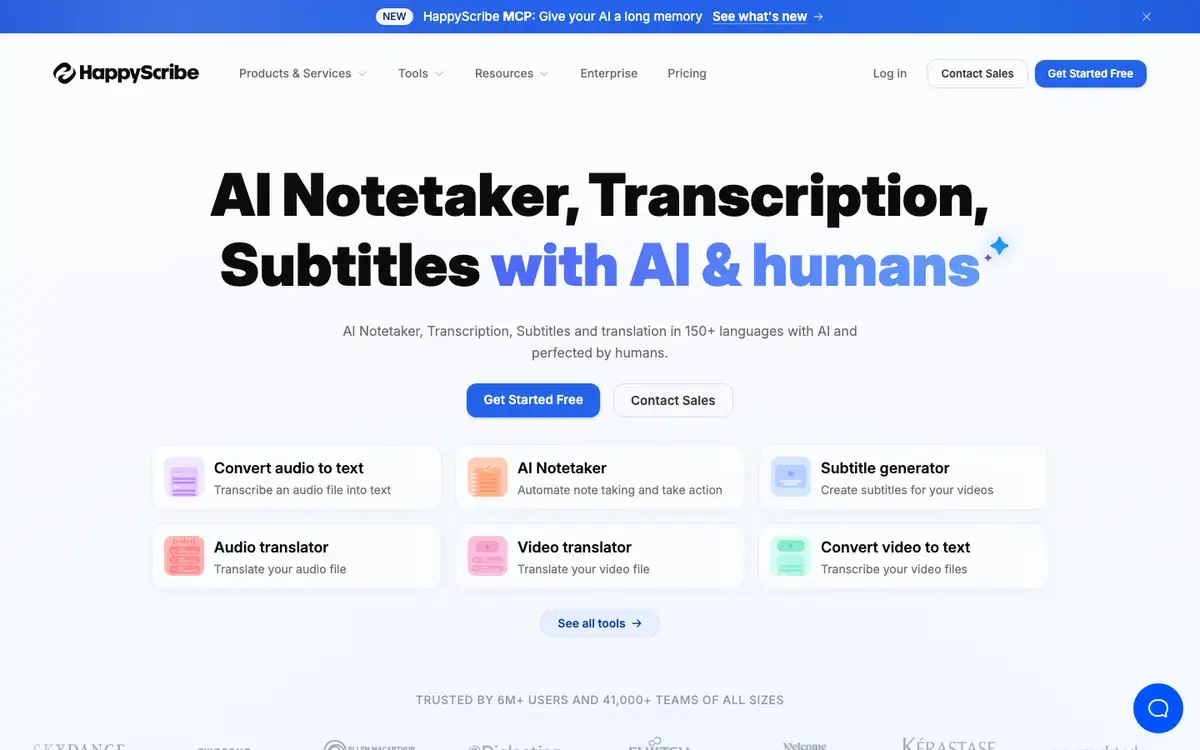
Happy Scribe offers both AI-generated and human-made subtitles. The AI covers 150+ languages; the optional human service raises accuracy for content where errors are unacceptable. A custom-vocabulary feature stores proper nouns, brand names, and technical terms so the AI gets them right consistently, and an interactive editor lets you adjust timing and split or merge cues, directly useful for hitting the reading-speed limits above.
Key subtitle features:
- AI subtitles in 150+ languages, with optional human-made subtitles for higher accuracy
- Custom vocabulary for recurring terms; interactive timing editor
- Export as SRT, VTT, TXT, STL, plus editing-suite exports (Premiere Pro, Final Cut)
- AI translation into 80+ languages
Pricing (billed annually): Basic $8.50/month, Pro $19/month, Business $59/month. Human-made subtitles start at $2.00/minute.
Best for: Professional producers who want a human-review safety net and tight control over terminology and timing on critical content.
Kapwing
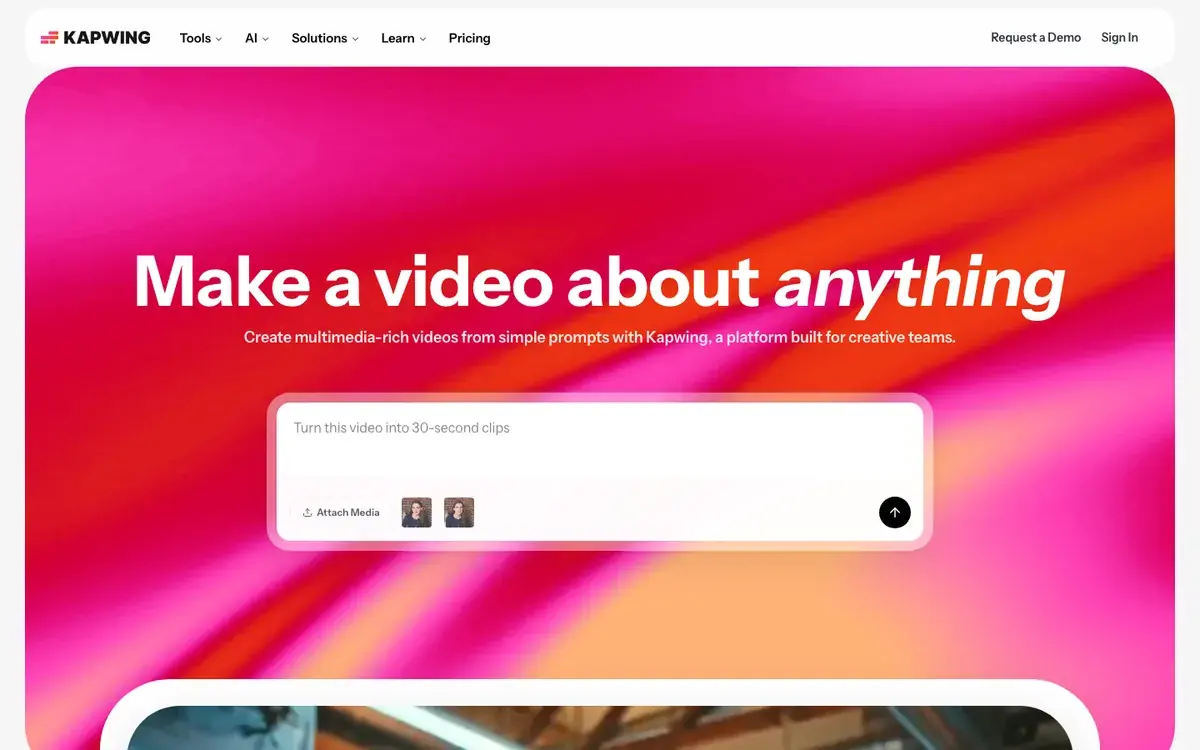
Kapwing is a browser-based video editor with a subtitle generator built in. Its AI produces word-by-word subtitles with automatic speaker detection, and you can style fonts, colors, and backgrounds per speaker, handy for interview-style content. Because it is a full editor, you can also burn captions into the video and export an MP4 with hardcoded subtitles, not just a sidecar file.
Key subtitle features:
- Subtitle generation in 100+ languages with per-speaker styling
- Export as SRT, VTT, and TXT, or hardcode captions into the video
- Closed-caption-compliant output for accessibility work
- Subtitle translation into 100+ languages
- Built into a full browser video editor
Pricing: Free plan with a watermark. Pro is $16/month per member (billed annually) for up to 1,000 subtitle minutes per month; Business is $50/month per member for 4,000 minutes.
Best for: Teams and creators who want to generate, style, and hardcode captions in the same editor, or who need accessibility-compliant closed captions.
VEED
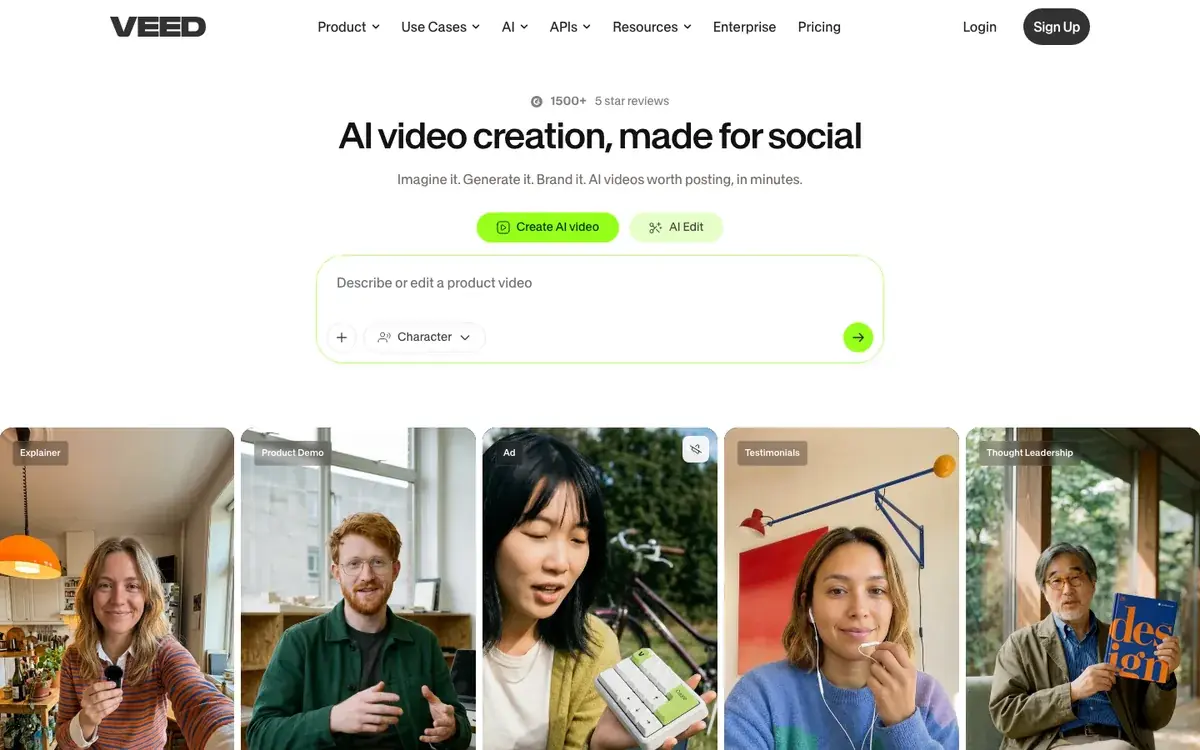
VEED is an online video editor with automatic subtitle generation in 100+ languages. It exports SRT, VTT, or TXT, or burns subtitles into the video. VEED is popular with social creators because of its animated, dynamic caption styles tuned for TikTok, Reels, and Shorts, and it pairs subtitling with general editing (cropping, trimming, overlays).
Key subtitle features:
- Automatic subtitle generation in 100+ languages
- Animated/dynamic caption styles for short-form social video
- Export as SRT, VTT, or TXT, or burn captions into the video
- Subtitle translation into 125+ languages
Pricing: VEED's published tiers could not be independently confirmed at the time of writing, check veed.io/pricing for current plans before subscribing.
Best for: Short-form social creators who want stylized, burned-in captions matched to TikTok and Reels aesthetics.
Vocova
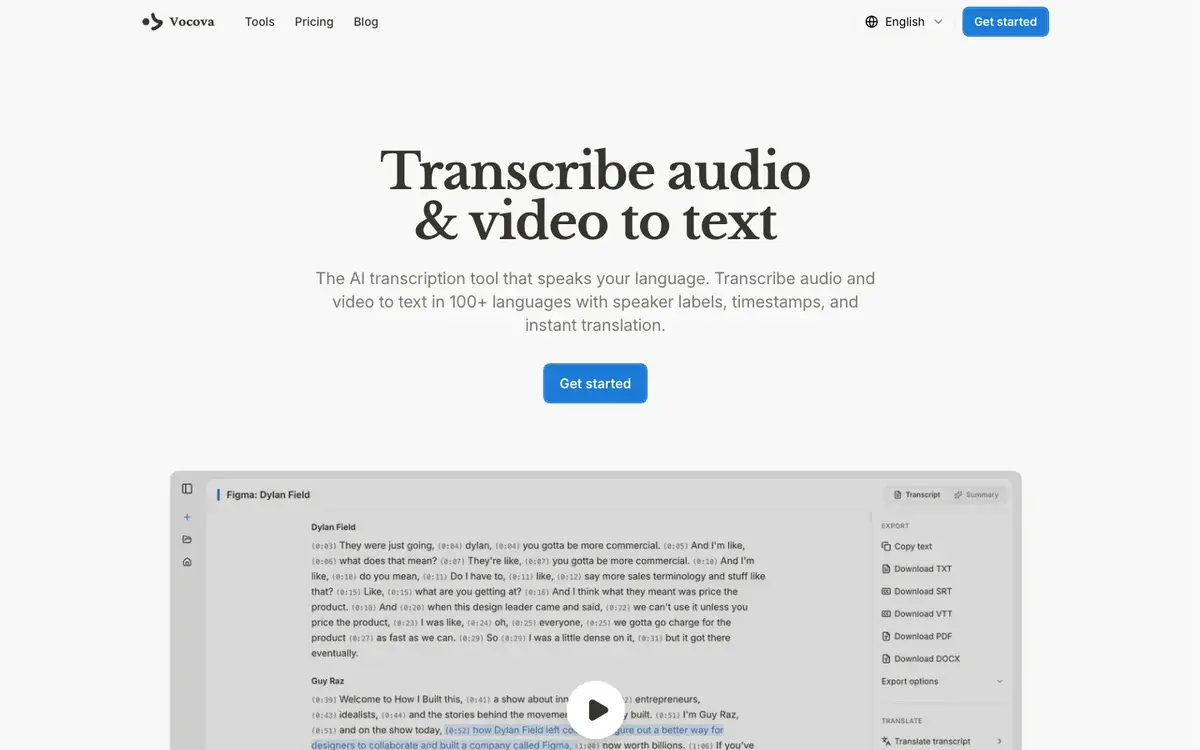
Vocova: our own product, included here in the interest of a complete comparison, is a web-based transcription and subtitle tool that supports 100+ languages with automatic language detection. It generates word-level timestamps, so the timing is precise enough for fast-paced content, and exports SRT or VTT. Its distinguishing feature is multilingual output: translation into 140+ languages, plus a bilingual export that places the original and the translation in a single subtitle file, useful for reaching audiences in two languages at once.
For creators working with content already hosted elsewhere, Vocova imports directly from 1,000+ sources (YouTube, TikTok, Vimeo, Instagram, Zoom, Microsoft Teams, Google Meet). You paste a URL, it fetches the audio and generates subtitles, and you export without downloading the original file.
Key subtitle features:
- SRT and VTT export with word-level timing
- Automatic language detection across 100+ languages
- Translation to 140+ languages, plus bilingual (original + translated) export in one file
- URL import from YouTube, TikTok, Zoom, Teams, and 1,000+ platforms
- Speaker labels and batch upload
Pricing: Free plan includes 30 minutes with TXT export. Plus starts at $7.50/month (billed annually) for 1,800 minutes per month and unlocks SRT/VTT export, speaker labels, all formats, and files up to 5 GB. Pro adds unlimited transcription. Note: Vocova outputs subtitle files, it does not burn captions into the video or offer animated caption styles, so it is the wrong pick for stylized social clips.
Best for: Creators who need subtitles in multiple languages or bilingual subtitle files, or who pull source video from YouTube, TikTok, or meeting recordings by URL.
Zubtitle
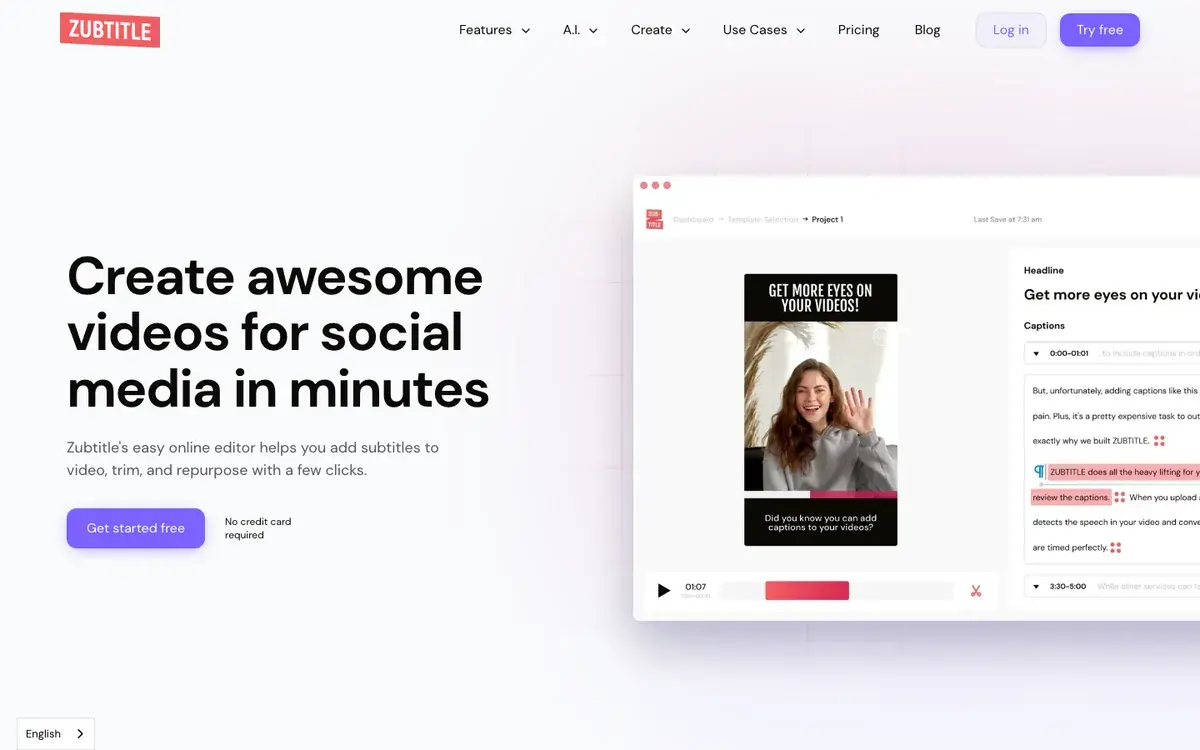
Zubtitle is built specifically for adding captions to social-media videos. It generates captions in the spoken language, then lets you style them with animated text, headlines, and branding, and reframe the aspect ratio (square, vertical, landscape) with captions burned in and pre-formatted per platform. It is narrower than the full editors above, captions are same-language only (no translation) and export is SRT or TXT, but that focus makes the short-form workflow fast.
Key subtitle features:
- AI caption generation in 60+ languages (spoken language only, no translation)
- Animated caption styles, headline and branding overlays
- Aspect-ratio reframing for different platforms, with burned-in captions
- SRT and TXT export
Pricing: Free Bootstrapper plan (2 videos/month, watermark, 720p). Guru is $19/month for 10 videos/month at 4K with no watermark; Agency is $49/month for 30 videos/month.
Best for: Short-form social creators who want branded, burned-in captions in one language and don't need translation or sidecar VTT files.
Comparison table
Pricing and capabilities checked June 2026; VEED's tiers could not be independently confirmed (see its entry). Vendors change pricing and limits often, confirm on each site before buying.
| Feature | Descript | Happy Scribe | Kapwing | VEED | Vocova | Zubtitle |
|---|---|---|---|---|---|---|
| Languages | ~24 | 150+ | 100+ | 100+ | 100+ | 60+ |
| SRT export | Yes | Yes | Yes | Yes | Yes | Yes |
| VTT export | Yes | Yes | Yes | Yes | Yes | No |
| Translation | No | 80+ (AI) | 100+ | 125+ | 140+ (+ bilingual file) | No |
| Built-in video editor | Yes | No | Yes | Yes | No | Partial |
| Burn-in captions | Yes | Not a focus | Yes | Yes | No (file only) | Yes |
| Animated captions | No | No | Yes | Yes | No | Yes |
| Subtitle/timing editor | Yes | Yes | Yes | Yes | Basic | Basic |
| URL import | No | Limited | No | Limited | 1,000+ platforms | No |
| Speaker labels | Yes | Yes | Yes | No | Yes | No |
| Human review option | No | Yes | No | No | No | No |
| Free tier | Limited | Limited | Watermarked | Watermarked | 30 min | 2 videos/mo |
| Starting price | $16/mo | $8.50/mo | $16/mo | See veed.io | $7.50/mo | $19/mo |
How to choose the right subtitle generator
The right tool depends on what you do with your videos after adding subtitles.
Choose Descript if you already edit there; subtitle export slots into your existing workflow, and text-based editing makes fixing wording fast, though adopting it only for subtitles is hard to justify on price.
Choose Happy Scribe if accuracy is the priority and you want a human-review safety net plus custom vocabulary for technical terminology.
Choose Kapwing if you want generation, styling, and hardcoding in one editor, especially for team workflows or closed-caption accessibility compliance.
Choose VEED if you create short-form social content and want animated captions matched to TikTok and Reels, confirm current pricing on its site first.
Choose Vocova if you need subtitles in multiple languages or want bilingual subtitle files, among the six here, it is the one that pairs 140+ translation targets with single-file bilingual export, and URL import from 1,000+ platforms saves time if your source lives on YouTube, TikTok, or a meeting recording. It does not burn captions into video or offer animated styles, so it is the wrong pick for stylized social clips, use VEED or Zubtitle for those.
Choose Zubtitle if you only make short-form social video in one language and want branded, burned-in captions from a focused tool.
How accurate are AI subtitles, really?
No single tool "wins" accuracy across the board. Real accuracy depends on audio quality, accents, background noise, and especially language, the same model that nails clean English studio audio can struggle with a noisy multi-speaker recording or a lower-resource language. Vendor figures like "99%" or "99.9%" are marketing claims measured on clean audio, not guarantees for your footage.
For how accuracy is actually measured, see word error rate explained; for how it varies from language to language, see transcription accuracy by language. The single most reliable test costs nothing: run a representative one- or two-minute clip of your own audio through a tool's free tier and read the output. That tells you more than any published benchmark, because it uses the audio you actually work with.
Frequently asked questions
What is the most accurate AI subtitle generator?
It depends on your audio and language, so there is no universal winner. On clean audio, the leading AI tools land in roughly the 85-95% range vendors advertise; Happy Scribe also offers optional human-made subtitles it rates at up to 99% for content where errors are unacceptable. The honest way to compare is to run the same short clip of your own audio through two or three tools' free tiers and read the results.
What subtitle format should I use for YouTube?
YouTube accepts both SRT and VTT, but SRT is the most widely supported and the safest default. VTT adds some styling options and is required for HTML5 video players. For the full breakdown, see the SRT vs VTT comparison.
Can I generate subtitles in multiple languages from one video?
Yes, with a tool that has built-in translation. Vocova translates into 140+ languages and offers bilingual export (both languages in one file); VEED covers 125+; Happy Scribe covers 80+. Note that Zubtitle and Descript do not translate, they caption in the spoken language only.
Why do my AI subtitles look cramped or flash by too fast?
Almost always because the tool isn't segmenting to a readable pace. Aim for the limits professional captioners use, about 17-20 characters per second, 42 characters per line, and no more than two lines per cue. Pick a tool that segments to those limits automatically, or one with an editor (like Happy Scribe or Descript) so you can split overlong cues and fix timing.
Do I need subtitles or closed captions?
Subtitles transcribe or translate dialogue for viewers who can hear the audio; closed captions also include non-speech information (sound effects, music cues) for viewers who are deaf or hard of hearing, and carry specific accessibility-compliance obligations. The distinction matters legally, see the closed captions vs subtitles guide for which you need.
Are AI-generated subtitles good enough for professional use?
For most YouTube, social, and corporate video, AI subtitles are good enough with a light review pass. For broadcast, legal, or accessibility-critical content, add human review, Happy Scribe builds that in, and for other tools you can export the AI subtitle file and have an editor verify it before publishing.
Sources and further reading
Subtitle-craft standards (the figures in "what makes a subtitle good"):
- BBC Subtitle Guidelines: reading speed (160-180 wpm), broadcast line length, line count
- Netflix Timed Text Style Guide: General Requirements: minimum 0.83s / maximum 7s cue duration
- Netflix English (USA) Timed Text Style Guide: 20 cps reading speed, 42 characters per line, two-line maximum
- DCMP Captioning Key: US captioning guidance
- W3C WebVTT specification: the WebVTT file format (a file-format spec, not a readability standard)
Tool pricing and capabilities (checked June 2026 against each vendor's own page):
